


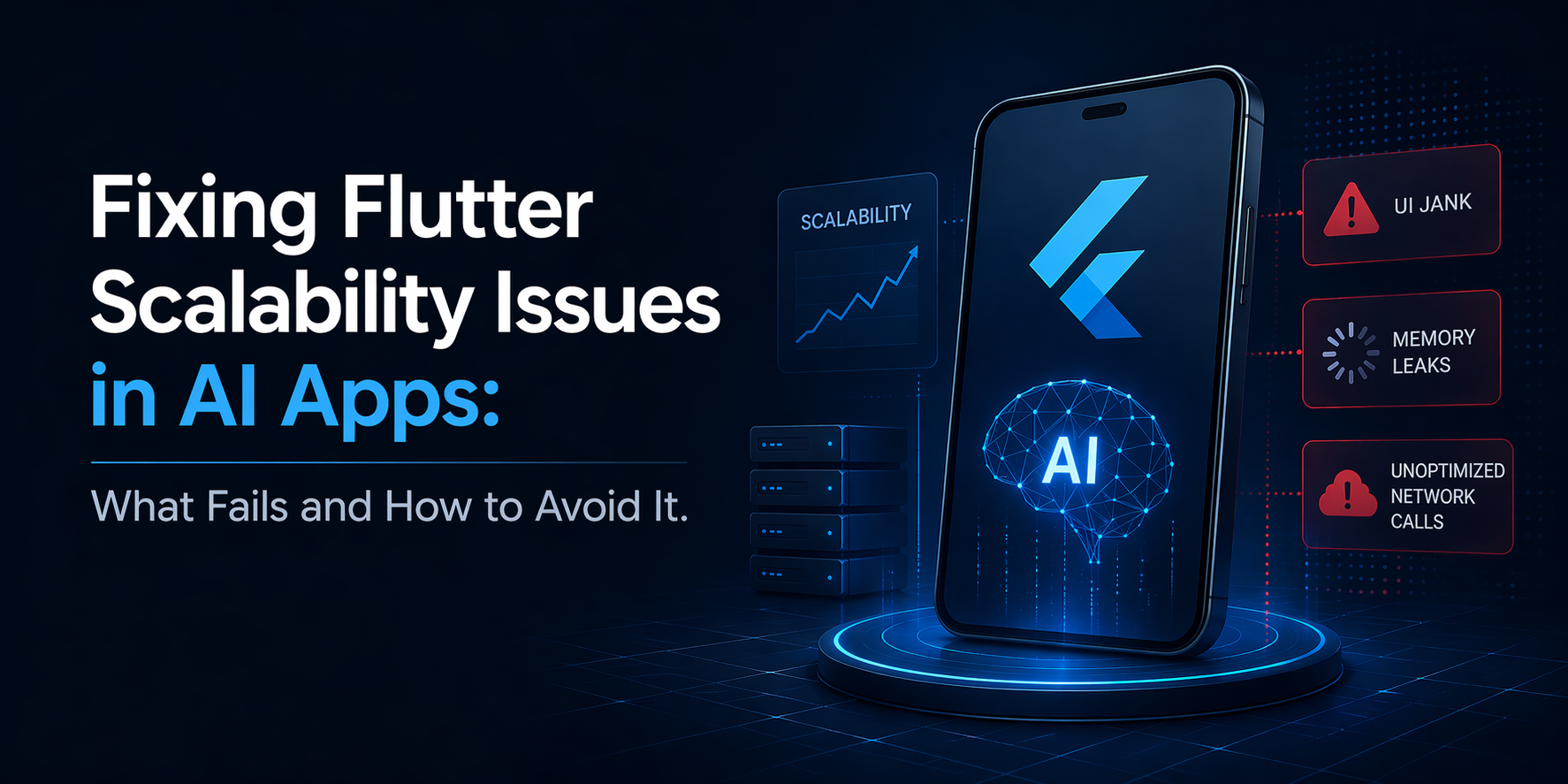
AI features make mobile apps more useful, but they also expose weak architecture much faster than standard product features do. A chat assistant, recommendation layer, or real time workflow can look fine at MVP stage, then start creating latency, UI lag, and release friction as adoption grows. That is where most Flutter scalability issues start.
Google’s current Android vitals thresholds show how little room teams have for performance failure: if 1.09% of daily active users experience a user perceived crash or 0.47% experience a user perceived ANR, app quality is already in bad behavior territory.
This is why Flutter performance optimization in AI products cannot be treated as post-launch cleanup. By the time teams notice visible lag, release friction, or unstable runtime behavior, the real cost usually sits deeper in the architecture.
Why AI Features Expose Flutter Scalability Problems Faster
AI changes the load profile of a mobile app completely. A typical app works with predictable data, fixed user flows, and relatively stable state transitions. An AI enabled app does not. It introduces more moving parts, less predictable behavior, and much tighter performance pressure.
AI does not just increase compute load. It increases coordination load across UI, state, network behavior, retries, and service dependencies.
This is why teams building large scale Flutter apps often start facing scalability issues only after AI features are added.The architecture that handled normal mobile workflows can begin to struggle once the app starts processing intelligent, dynamic, and real time experiences.
Key reasons this happens:
-
AI responses are often larger and less predictable in size.
-
Streaming outputs create frequent UI updates and higher rendering pressure.
-
Session state grows more complex across prompts, responses, retries, and user actions.
-
External AI services add latency, dependency risk, and token based request overhead.
-
Memory pressure increases as more dynamic content and longer sessions build up.
-
Perceived speed matters more because users are actively waiting for smart responses.
In short, AI does not just add features. It multiplies architectural pressure.
What Actually Fails in AI-Powered Flutter Apps at Scale
Most Flutter scalability issues in AI products don’t show up early. They surface when real users, real data, and real-time interactions hit the system together. At that point, the problem is no longer isolated bugs. It is structural.
1. Business Logic Leaks Into the UI Layer
Teams often push AI orchestration, API handling, and response parsing directly into widgets. This makes screens fragile, harder to debug, and tightly coupled to backend behavior. As complexity grows, even small changes start breaking multiple parts of the app.
2. Rebuild Storms and Inefficient Rendering
Frequent UI updates from chat streams, recommendations, or dynamic components can trigger unnecessary rebuilds. This leads to jank, dropped frames, and inconsistent user experience across devices.
3. Main Thread Gets Blocked
Heavy parsing, ranking logic, or AI response processing running synchronously can block the UI thread. The result is delayed taps, frozen interactions, and visible lag.
4. State Management Breaks Down
AI flows introduce fragmented updates, session memory, retries, caching layers, and fallback states. Without structured state boundaries, teams lose predictability fast, and every new feature starts carrying more regression risk. What begins as a manageable data flow can quickly turn into tangled logic spread across screens, services, and user sessions.
5. Memory Pressure Builds Over Time
Long sessions, large responses, and uncleaned listeners gradually increase memory usage, slowing the app during extended use.
6. Dependency and Plugin Sprawl
Stacking multiple SDKs and plugins to move faster often leads to larger app size, version conflicts, and unstable releases.
This is where most large scale Flutter apps start to feel unstable. Not because of Flutter itself, but because the system was never designed to handle this level of complexity.
Why Most Performance Fixes Fail
Most teams react to performance issues too late and at the wrong layer. Once an AI feature starts creating lag, they usually try tactical fixes first. Those changes may reduce one visible symptom, but they rarely solve the deeper issue.
Those changes may reduce one visible symptom, but they rarely solve the deeper issue. Most performance fixes fail because they target rendering symptoms after the system has already become operationally inefficient.
Common quick fixes teams rely on:
-
Compressing a few images.
-
Replacing one list widget.
-
Caching a single API response.
-
Changing one state management package.
-
Reducing a few UI rebuilds.
-
Cleaning up one slow screen.
These fixes can help temporarily, but they do not address the real bottleneck when the architecture is weak.
What usually sits underneath the problem:
-
AI processing is too close to the UI layer.
-
state flows are unpredictable across screens and sessions.
-
heavy work still touches the interaction path.
-
performance tuning starts after complexity has already grown.
-
teams optimize symptoms instead of system boundaries.
That is why Flutter performance optimization only works when teams first define where AI workloads belong, how data should move, and what must stay off the UI critical path. Many teams realize this only after bringing in a senior architect or a Flutter app development company in USA to find out why every release feels heavier than the last.
How to Avoid Flutter Scalability Issues Before They Become Expensive
Fixing Flutter scalability issues in AI apps is not about patching symptoms after the app starts slowing down. Once users begin noticing lag, unstable screens, or delayed responses, the deeper issue is usually already embedded in the system. The better approach is to build for scale early, especially when AI features are expected to grow over time.
1. Start With Architecture, Not Features
Many teams move quickly by placing AI orchestration, response parsing, and service calls too close to the UI. That may help ship faster at first, but it makes the app harder to maintain as complexity grows. A cleaner separation between presentation, domain, and data layers prevents AI workflows from leaking into the UI and turning every release into a higher-risk change.
2. Keep Heavy Work Off The UI Critical Path
AI apps often deal with larger payloads, dynamic outputs, and more computation-heavy processing. If that work sits too close to rendering and interaction, the result is jank, delayed taps, and screens that feel unreliable. Responsiveness has to be protected intentionally.
3. Choose State Management For Scale
AI workflows create more state pressure than standard apps because they involve retries, partial responses, session context, and dynamic updates. The right state strategy should narrow rebuild scope, keep async flows traceable, and stop session logic from spreading unpredictably across screens.
4. Design For Asynchronous And Partial Responses
AI responses do not always arrive in a neat request-response pattern. They may stream gradually, fail halfway, or return in fragments. The UI needs to handle loading states, retries, and incomplete outputs without becoming messy or confusing.
5. Optimize Memory, Assets, And Dependencies Deliberately
Long sessions, dense screens, oversized assets, and too many plugins can slowly degrade performance over time. This is where disciplined Flutter performance optimization really matters, because small inefficiencies add up fast in AI heavy products.
6. Profile Before Problems Become Visible
Do not assume the app is healthy because it runs well on a high-end test device. Real bottlenecks usually appear on lower-end phones, weaker networks, and longer usage sessions. Profiling early is far cheaper than repairing performance after users start feeling it.
This is usually the point where a custom Flutter app development company adds more value than another round of isolated fixes, because the issue is no longer just code quality. It is a scalability model problem.
A Better Technical Decision Framework for Teams Building AI Mobile Products
For decision-makers, the real question is not whether the app still works. It is whether the current system can keep supporting product growth without slowing delivery, hurting user experience, or increasing engineering cost. That is the right way to evaluate readiness in AI-powered mobile products.
A few questions make that clearer:
-
Is the app already showing visible UI lag after AI features were introduced?
-
Are releases becoming harder because state logic is too tangled?
-
Are performance issues showing up differently across devices and usage conditions?
-
Is the engineering team spending more time patching than building?
-
Do AI features now depend on workflows that were never designed for scale?
If the answer to several of these is yes, the issue is not just implementation quality. The team likely needs to rethink concurrency, state flow, rendering pressure, and service boundaries. Teams evaluating outside support often reach this stage before engaging a mobile app development company in Austin or a senior consulting partner to review architecture, runtime behavior, and release risk.
When to Bring in Senior Flutter Architecture Support
There is a point where performance issues stop being routine engineering cleanup and start becoming an architectural risk. That usually happens when the app feels heavier with every release, even though individual bugs are being fixed along the way. AI features may work well in demos or controlled test cases, then start degrading in production once real users, longer sessions, and varied devices enter the picture.
The warning signs are usually clear:
-
App performance keeps worsening as new features are added.
-
Lag, crashes, or memory growth cannot be traced to one obvious cause.
-
Lower-end devices show far more instability than internal test devices.
-
User complaints start increasing while delivery speed slows down.
-
The team spends more time patching issues than shipping confidently.
At that stage, the problem is no longer generic Flutter support. The team needs deeper expertise in architecture, runtime behavior, AI integration, and scale planning. This is often when experienced mobile app developers in Austin or a senior consulting partner become a practical next step.
If your team is already debating whether the issue is Flutter, the backend, or the AI layer, that usually means the architecture boundaries are already too blurred.
Conclusion
Flutter can support ambitious AI enabled products, but only when teams stop treating scalability as something to fix later. In most cases, the biggest risk is not Flutter itself. The real risk is layering AI features onto an app foundation that was never built for dynamic workloads, growing state complexity, or rising performance pressure.
That is when small inefficiencies turn into delivery slowdowns, unstable user experience, and long term maintenance cost.
If your team is already seeing Flutter scalability issues, the right next step is to evaluate architecture, data flow, rendering load, and AI workload handling early. It is far cheaper to solve the scaling model now than to keep patching the symptoms later.

 Arabic
 French
 Spanish
 Portuguese
 Deutsch
 Turkish
 Dutch
Dutch
 Italiano
 Russian
 Romaian
 Portuguese (Brazil)
 Greek
Greek